> ## Documentation Index
> Fetch the complete documentation index at: https://docs.rime.ai/llms.txt
> Use this file to discover all available pages before exploring further.
# rime hello & rime play
> Quick audio demo and terminal waveform playback with the Rime CLI.
## `rime hello`
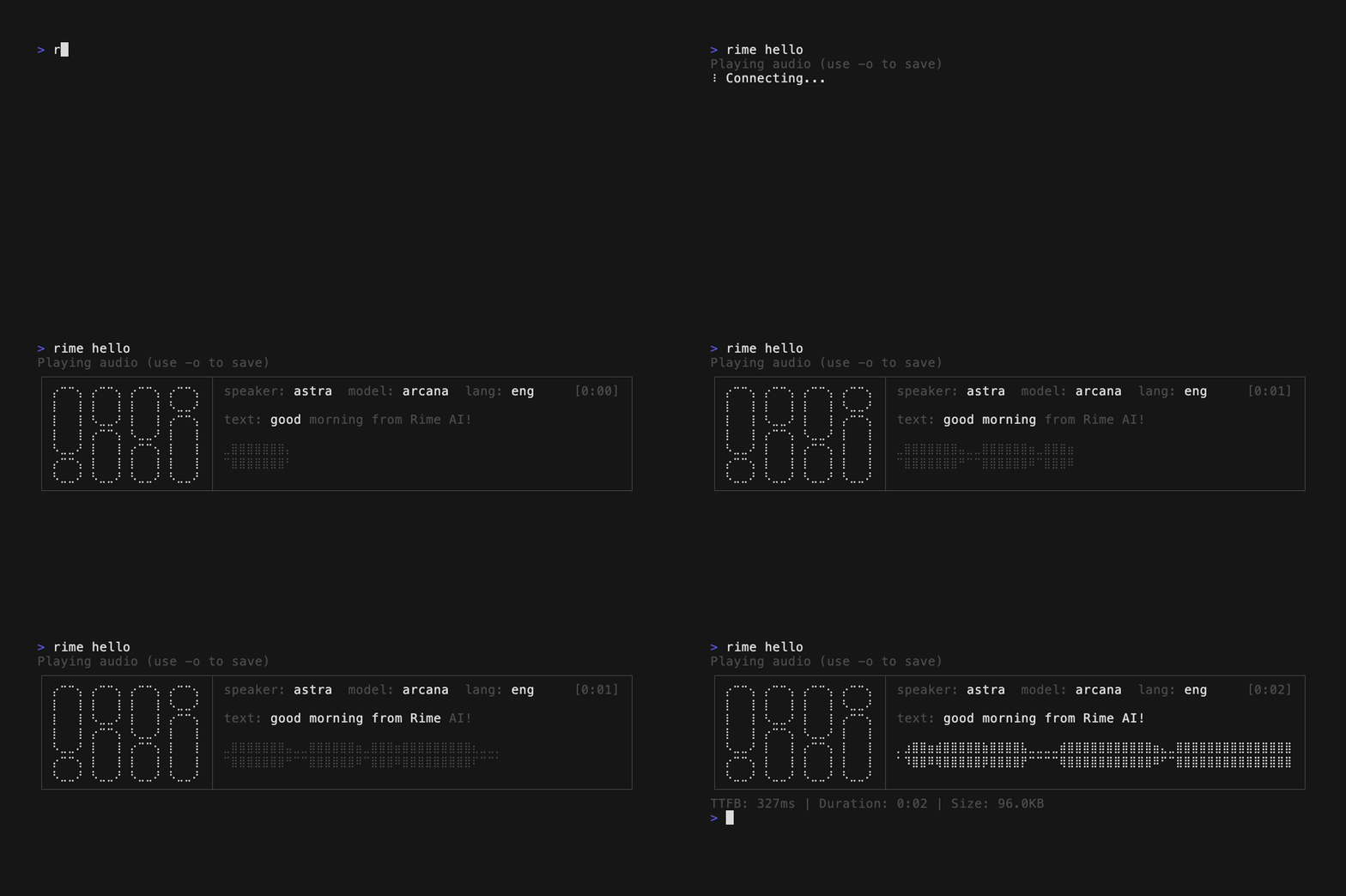
Quick demo that generates a time-appropriate greeting ("good morning/afternoon/evening from Rime AI!") using the Astra voice on the Coda model.
```bash theme={null}
rime hello
```
 ### Optional flags
| Flag | Short | Default | Description |
| ----------- | ----- | ------- | ----------------------------------------- |
| `--output` | `-o` | -- | Output file path (plays audio by default) |
| `--api-url` | -- | -- | API URL override |
### Examples
```bash theme={null}
# Play the greeting
rime hello
# Save the greeting to a file
rime hello -o greeting.wav
# Output as JSON
rime hello --json
```
***
## `rime play`
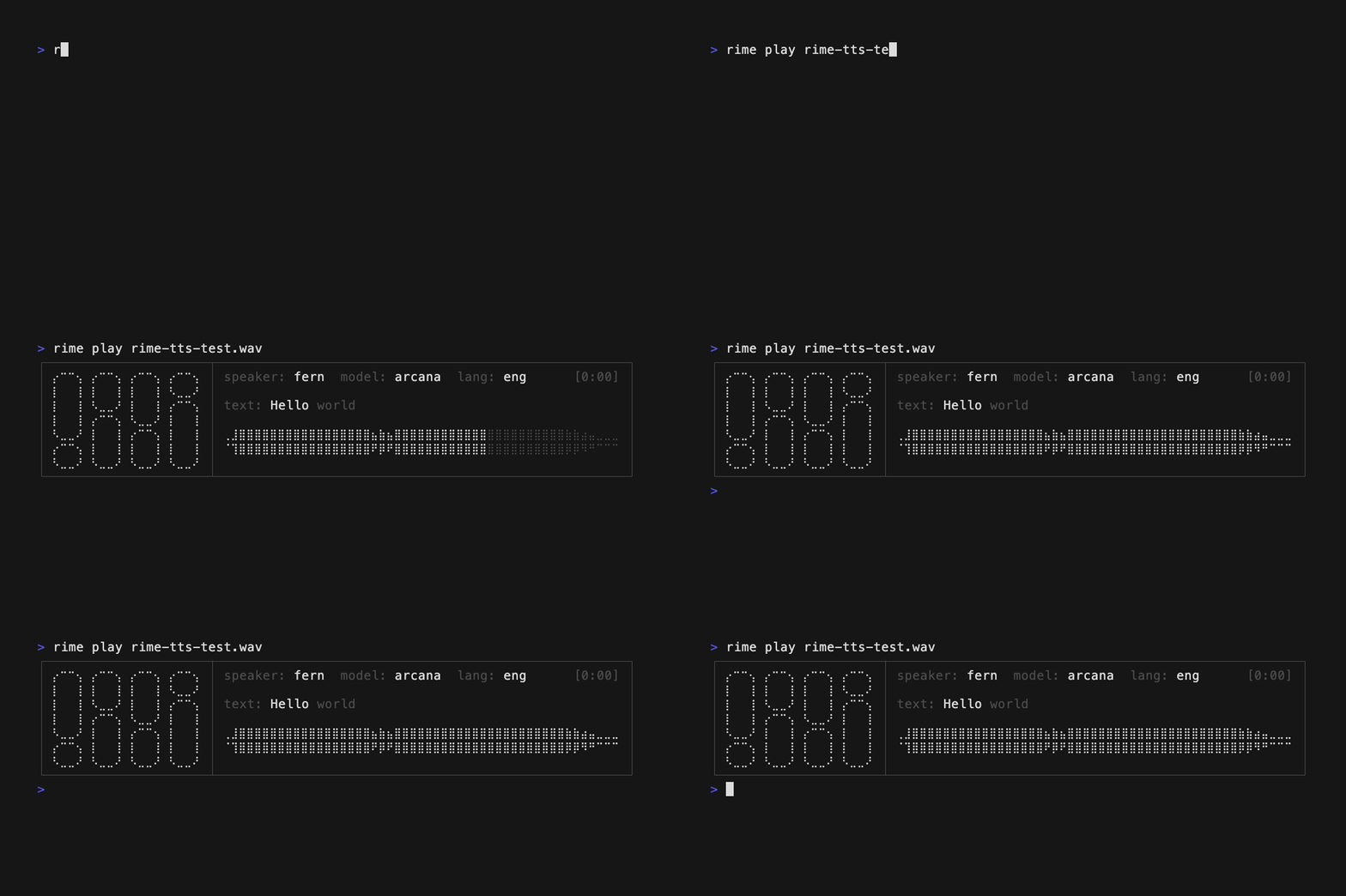
Play a WAV audio file with terminal waveform visualization.
```bash theme={null}
rime play FILE
```
### Optional flags
| Flag | Short | Default | Description |
| ----------- | ----- | ------- | ----------------------------------------- |
| `--output` | `-o` | -- | Output file path (plays audio by default) |
| `--api-url` | -- | -- | API URL override |
### Examples
```bash theme={null}
# Play the greeting
rime hello
# Save the greeting to a file
rime hello -o greeting.wav
# Output as JSON
rime hello --json
```
***
## `rime play`
Play a WAV audio file with terminal waveform visualization.
```bash theme={null}
rime play FILE
```
 ### Examples
```bash theme={null}
rime play output.wav
```
### Examples
```bash theme={null}
rime play output.wav
```